Hover any text.
Know the font.
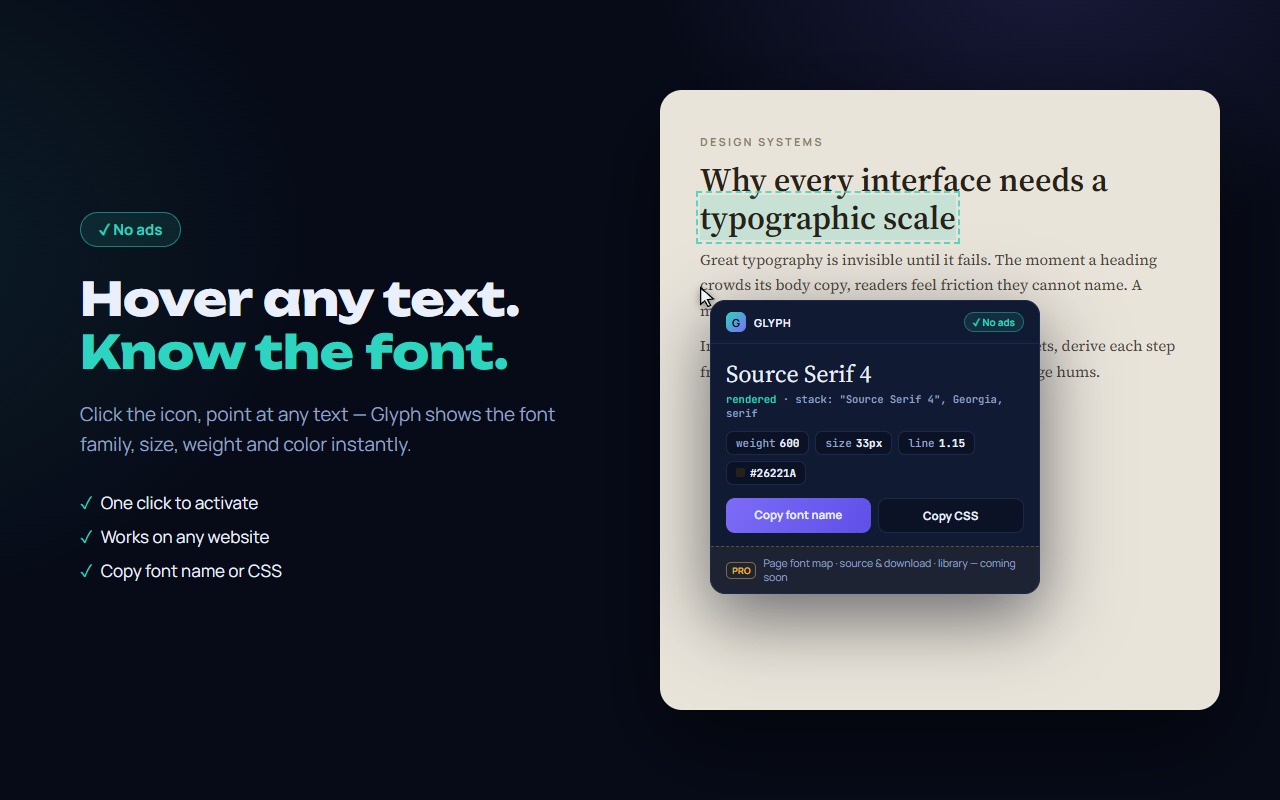
Glyph is a clean font identifier for Chrome. Click the icon, point at any text — see the real rendered font, size, weight, line height and color. Copy the font name or a ready CSS block in one click.
// what you get
Identify any font on any website.
Hover to identify
Point at any text — the card shows font family, size, weight, line height, letter spacing and color instantly.
The real rendered font
Glyph detects the font that actually renders — skipping names in the CSS stack that are not installed.
Copy name or CSS
One click copies the font name; another — a full CSS block ready for your stylesheet.
Pin & compare
Click text to pin the card while you scroll. Esc to exit — Glyph fully removes itself.
Feather-light
No popup, no background work. Runs only on the tab where you activate it, only while you use it.
No ads
Clean tool, no ad banners — ever. Page font map, font source and your font library are included.
// faq
Questions, answered.
How do I identify a font on a website?
Install Glyph, click its icon and hover any text. A card next to your cursor shows every font property. Click to pin, Esc to exit.
Does Glyph show the real rendered font?
Yes — unlike tools that show the first name in the CSS stack, Glyph measures which font actually renders and skips missing families.
Can I copy the font name or CSS?
One click for the name, one for a full CSS block: font-family, size, weight, line-height, letter-spacing, color.
Is Glyph free? Does it show ads?
The core is free, with no ads. Only two permissions (activeTab, scripting), active only when you turn it on. See the privacy policy.